

The best mouse pads for gaming depend first on how much desk space you have and how freely you move your mouse. For broad coverage, consider the SteelSeries QcK XXL; for a smaller cloth pad, the Logitech G240 is a straightforward option.
This comparison covers four cloth or cloth-style mats with rubber bases, including extended sizes for keyboard-and-mouse setups. Recommendations are based on the specifications provided, not claims of independent performance measurements.
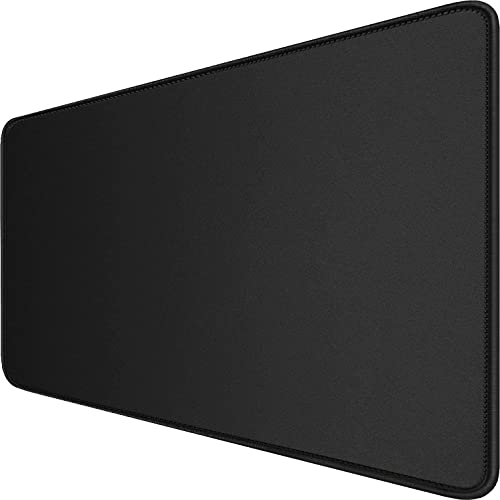
Pros
- Generous keyboard-and-mouse coverage
- Stitched edges resist fraying
- Non-slip natural rubber backing
- Spill-resistant surface coating
- Supports optical and laser mice
Cons
- Large footprint needs sufficient desk space
- No wrist rest or accessories are specified

Pros
- Broad XXL surface fits keyboard and mouse
- Micro-woven cloth optimized for various mouse sensors
- Non-slip rubber base stays firmly in place
- Low-profile design minimizes edge elevation
Cons
- Large footprint requires substantial desk space
- Thin 0.08-inch profile provides minimal wrist cushioning
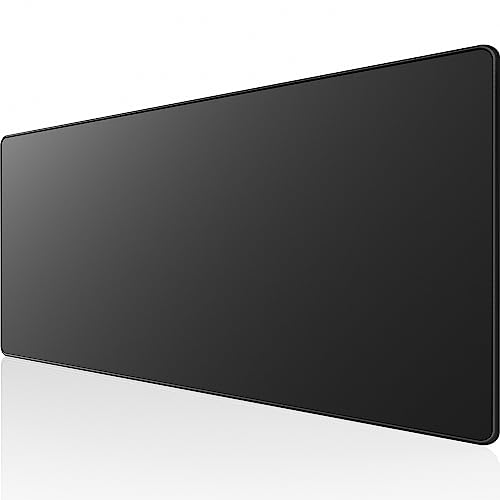
Pros
- Extended length fits keyboard and mouse together
- Anti-fray stitched perimeter edges
- Water-resistant surface simplifies cleaning
- Dense non-slip rubber base
- Supports both optical and laser mouse sensors
Cons
- Narrow 11.8-inch depth limits vertical mouse room
- Slim 0.1-inch profile offers minimal wrist cushioning
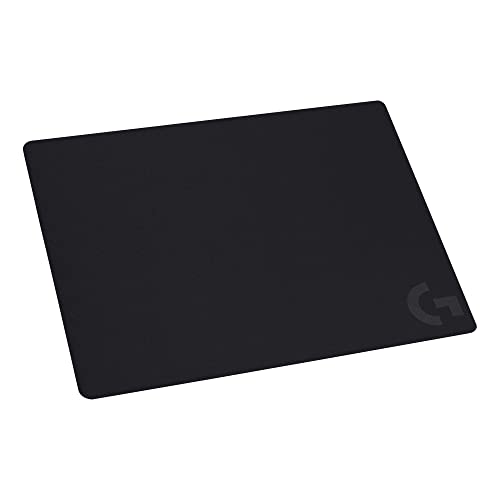
Pros
- Moderate surface friction tuned for low-DPI control
- Uniform texture aids accurate optical sensor tracking
- Stable non-slip rubber base prevents sliding
- Flexible design easily rolls up for travel
The SteelSeries QcK XXL offers the widest listed coverage, while the Hsmienk mat and KTRIO mat provide extended desk surfaces at different depths. The Logitech G240 takes less desk space and emphasizes moderate friction for mouse control.
| Mouse pad | Size | Surface and base | Notable trade-off |
|---|---|---|---|
| SteelSeries QcK XXL | 35 x 16 x 0.08 inches | Micro-woven cloth, non-slip rubber | Needs substantial desk space |
| Hsmienk Large Extended | 31.5 x 15.7 x 0.12 inches | Smooth surface, natural rubber base | Brand and model details are limited |
| KTRIO Large Gaming Mouse Pad | 31.5 x 11.8 inches | Micro-weave cloth, natural rubber | Less depth than the wider mats |
| Logitech G240 | Not specified | Cloth surface, rubber base | Does not offer documented extended dimensions |
Recommended Gaming Mouse Pads
SteelSeries QcK XXL: Best for Broad Desk Coverage
At 35 x 16 inches, the QcK XXL can accommodate a keyboard and mouse across one continuous surface. Its micro-woven cloth and non-slip rubber base suit players who want a stable, expansive area for sweeping mouse movements.
SteelSeries describes the surface as optimized for optical and laser sensor tracking. Its 0.08-inch thickness is slimmer than the other extended mats here, but the large footprint requires enough clear desk space.
Pros: Largest documented footprint here, sensor compatibility stated for optical and laser mice, non-slip base.
Cons: Its width may crowd smaller desks, and the listed specifications do not describe a spill-resistant coating.
Who should skip it: Skip this mat if your desk cannot spare 35 x 16 inches or you prefer a compact mouse-only surface.
Our gaming keyboard guide may also help when planning a keyboard-and-mouse layout on a shared mat.
Hsmienk Large Extended Gaming Mouse Pad: Best for a Wider, Water-Resistant Mat
This 31.5 x 15.7-inch mat provides room for a keyboard and mouse, with a 0.12-inch thickness. The product listing describes a smooth tracking surface, stitched edges, a natural rubber base, and a coating intended to repel spills.
Those features make it a practical fit for a setup that needs broad coverage and a surface that can be wiped after minor spills. The listing states compatibility with optical and laser mice, but provides less detail about the brand’s surface characteristics than some competitors.
Pros: Extended coverage, stitched edges, non-slip base, and an advertised water-resistant coating.
Cons: It still needs a sizable desk area, and the supplied information does not specify a detailed friction profile.
Who should skip it: Skip it if you want a smaller mouse-only pad or need independently documented surface measurements.
KTRIO Large Gaming Mouse Pad: Best for a Long, Shallower Desk Mat
The KTRIO measures 31.5 x 11.8 inches, giving a full-size keyboard and mouse room across the desk while using less front-to-back space than the wider mats. Its micro-weave cloth is described as balancing glide and stopping control.
Stitched edges, a natural rubber base, and a water-resistant surface are listed features. The surface is specified for optical and laser sensors, making this a versatile option for gaming and everyday desk use.
Pros: Extended width with a shallower footprint, stitched edges, non-slip backing, and a stated water-resistant coating.
Cons: Its 11.8-inch depth offers less room than the 15.7-inch and 16-inch mats for broad mouse movement.
Who should skip it: Skip it if you need extra front-to-back space for a low-sensitivity setup or large mouse sweeps.
Logitech G240: Best for Moderate Surface Friction
The Logitech G240 is a cloth mouse pad with a rubber base and a surface Logitech describes as providing moderate friction. That resistance can suit players who value a more controlled start and stop during rapid mouse movements.
Logitech also describes a consistent surface texture intended to support mouse sensor tracking, and the pad rolls up for transport. Its dimensions are not provided in the supplied specifications, so check the product listing and your desk space before choosing it.
Pros: Moderate-friction cloth surface, non-slip rubber backing, portable roll-up design, and stated focus on sensor consistency.
Cons: No size is documented here, and it does not have the stated keyboard-spanning coverage of the extended options.
Who should skip it: Skip it if you specifically want a desk mat for both keyboard and mouse or need confirmed dimensions before buying.
How to Choose a Gaming Mouse Pad
Match the Pad Size to Your Desk and Mouse Movement
Start by measuring the usable desk area, including room for your keyboard and other equipment. The QcK XXL is 35 x 16 inches; the Hsmienk and KTRIO mats are both 31.5 inches wide, but differ in depth.
Low-sensitivity play often involves larger mouse movements, so a wider surface may help prevent running out of room. Choose an extended mat only if its footprint fits your setup without obstructing other desk equipment.
Consider Surface Feel and Control
Cloth surfaces vary in how much resistance they provide. Logitech specifically describes moderate friction for the G240, while KTRIO describes its micro-weave surface as balancing glide and stopping control; the other listings provide less detail about friction.
Surface preference is personal, and the supplied product details do not provide comparable measured glide or stopping results. If you already know whether you prefer a faster or more controlled feel, use the stated surface descriptions as a starting point.
Check the Base, Edges, and Spill Protection
A rubber base is listed for all four options and is intended to reduce unwanted movement. Stitched edges are specified for the Hsmienk and KTRIO mats; water-resistant coatings are described for those two models as well.
Water-resistant descriptions do not mean a pad is waterproof in every situation. Follow the product care instructions and clean spills promptly, especially around nearby electronics.
Frequently Asked Questions
Do these mouse pads work with optical and laser mice?
The Hsmienk and KTRIO listings explicitly state support for optical and laser mice. SteelSeries describes the QcK XXL as optimized for both sensor types, and Logitech describes the G240 as designed for gaming sensor tracking.
Should I choose an extended mat or a smaller pad?
Choose an extended mat if you want your keyboard and mouse on one surface or need more room for sweeping movements. A smaller option can make better use of limited desk space, but confirm the G240’s dimensions before purchase because they are not specified here.
For other setup considerations, see our guides to gaming mouse grips and mouse rests for gaming.


Write Your Review
No reviews yet. Be the first to share your experience!